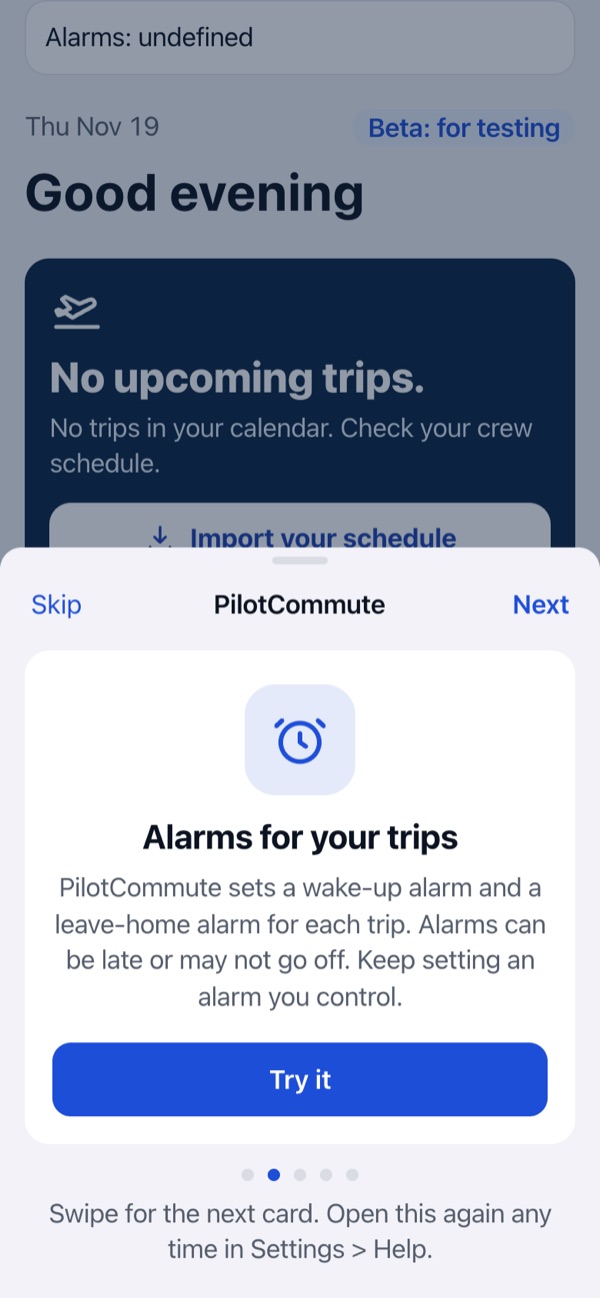
What should I know about wake and leave alarms?
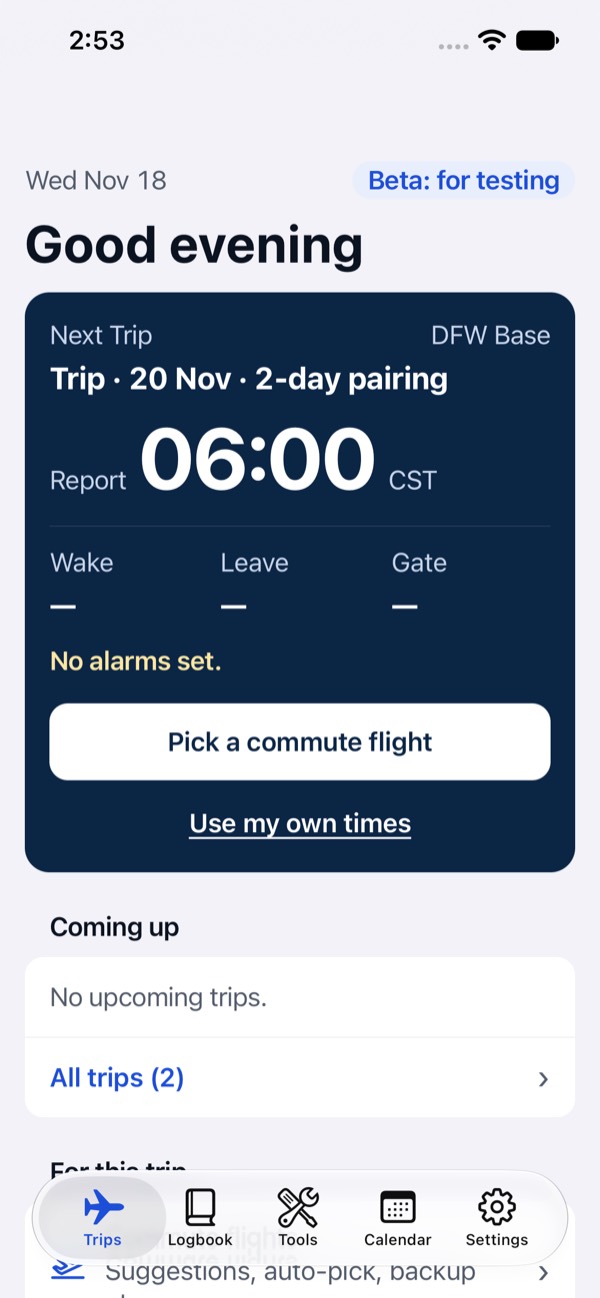
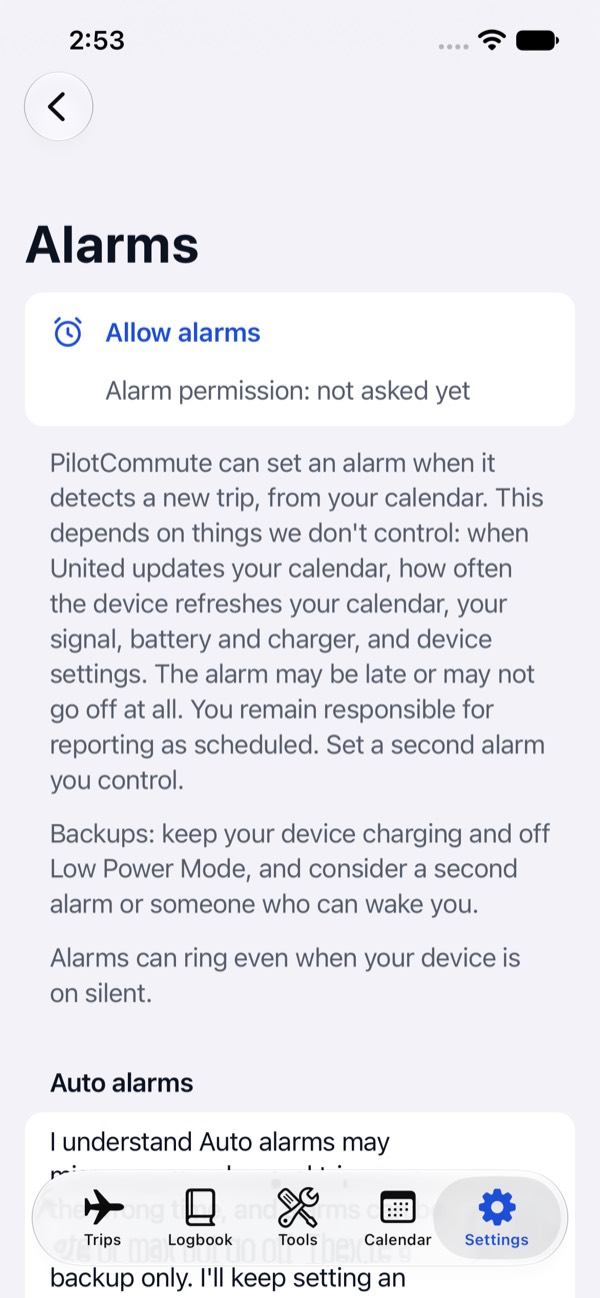
Wake and leave alarms depend on iOS and your device settings. They may be late or may not go off. Keep an alarm you control, and always confirm report times with your airline’s crew schedule.
Where does my schedule data go?
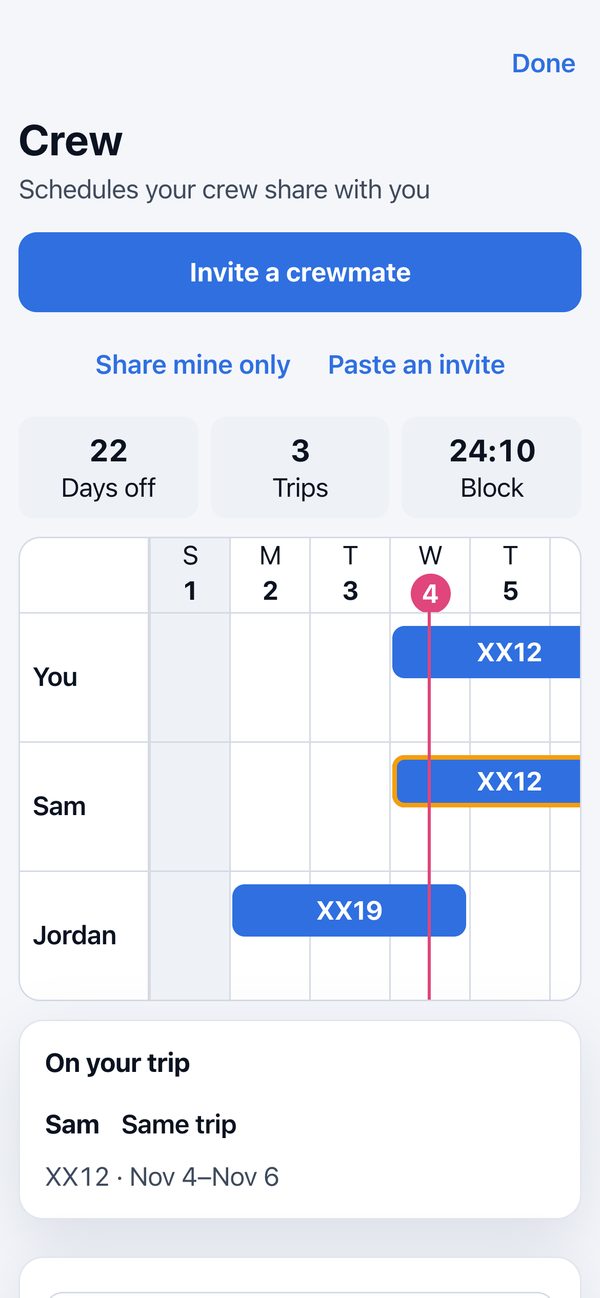
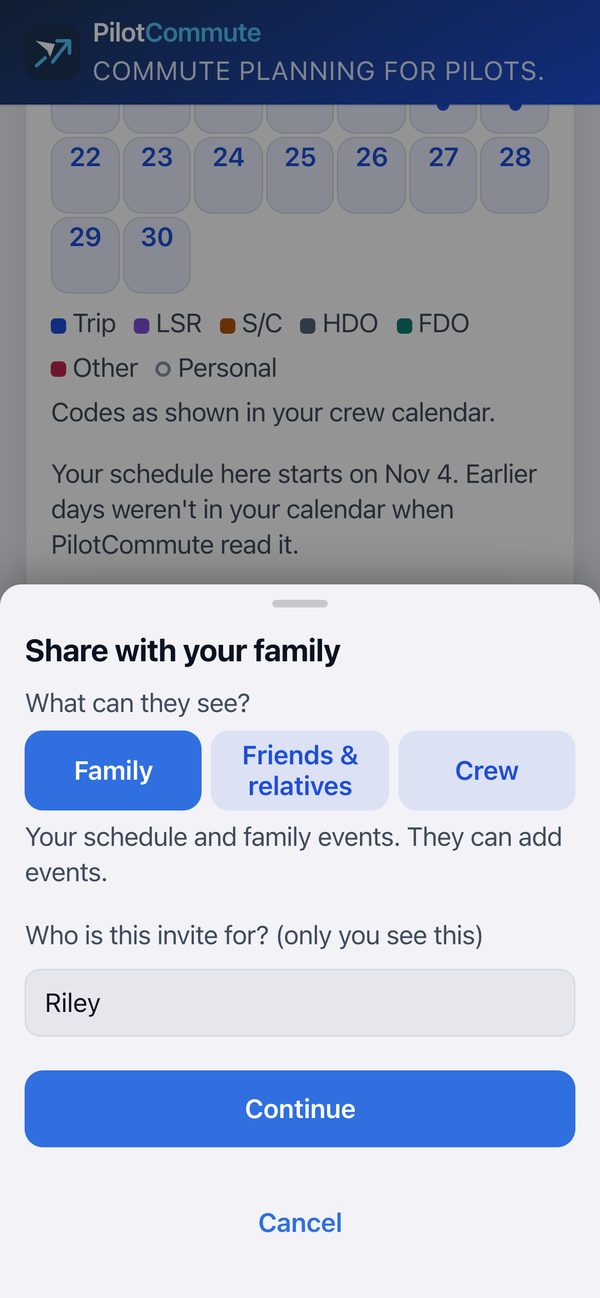
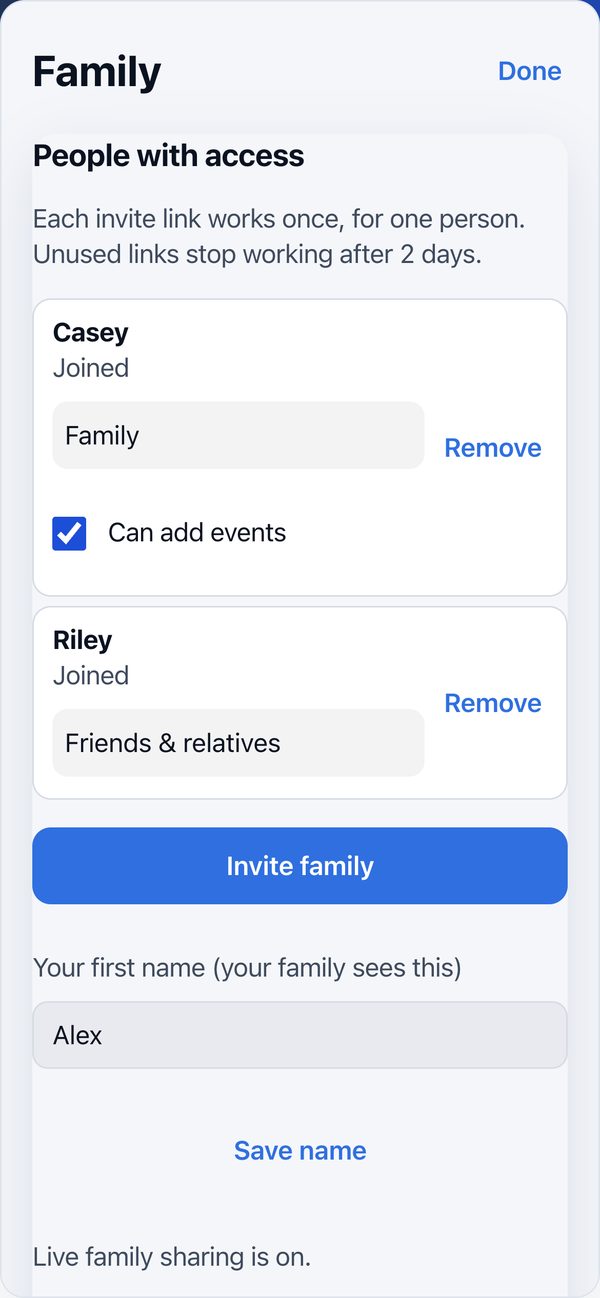
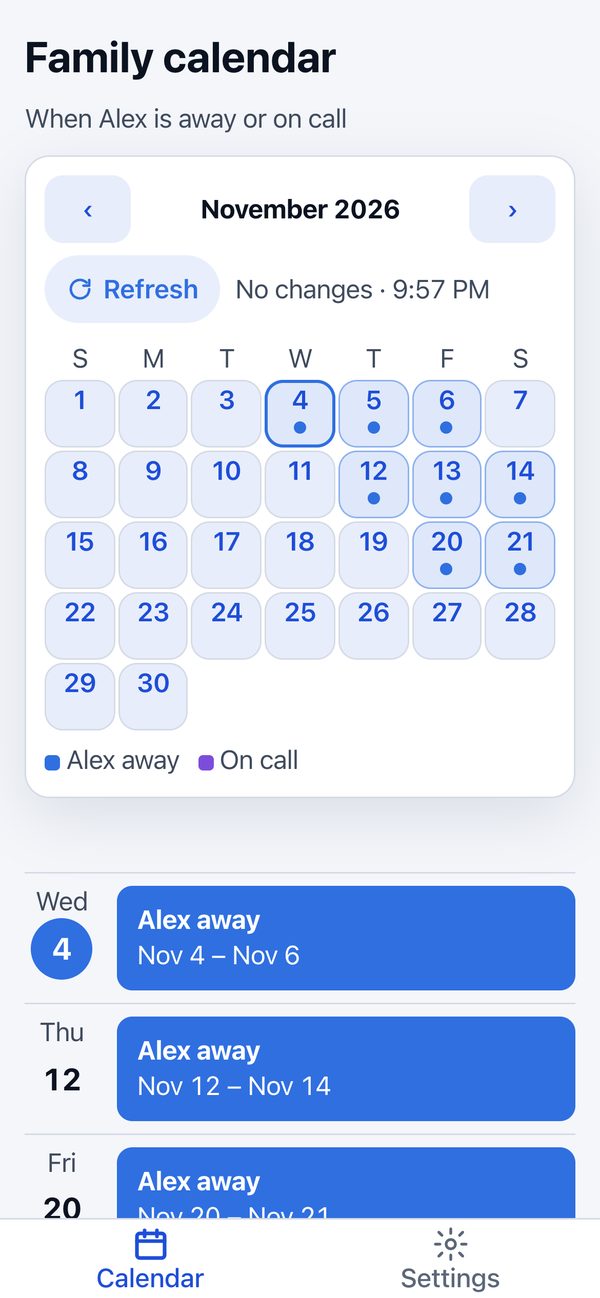
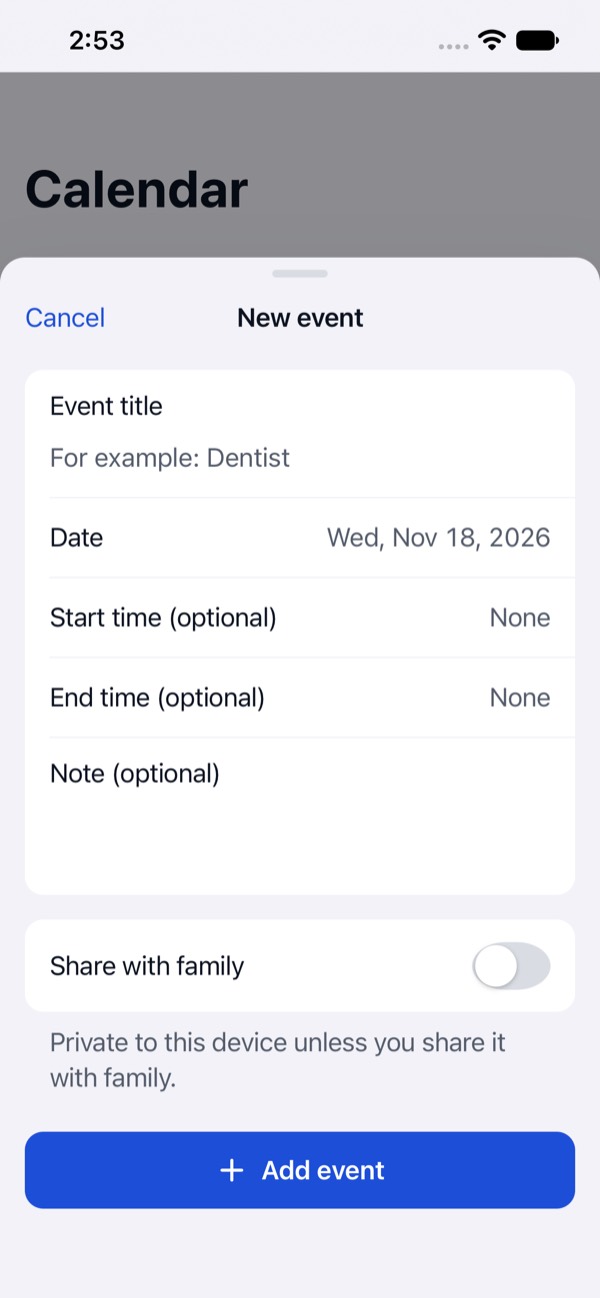
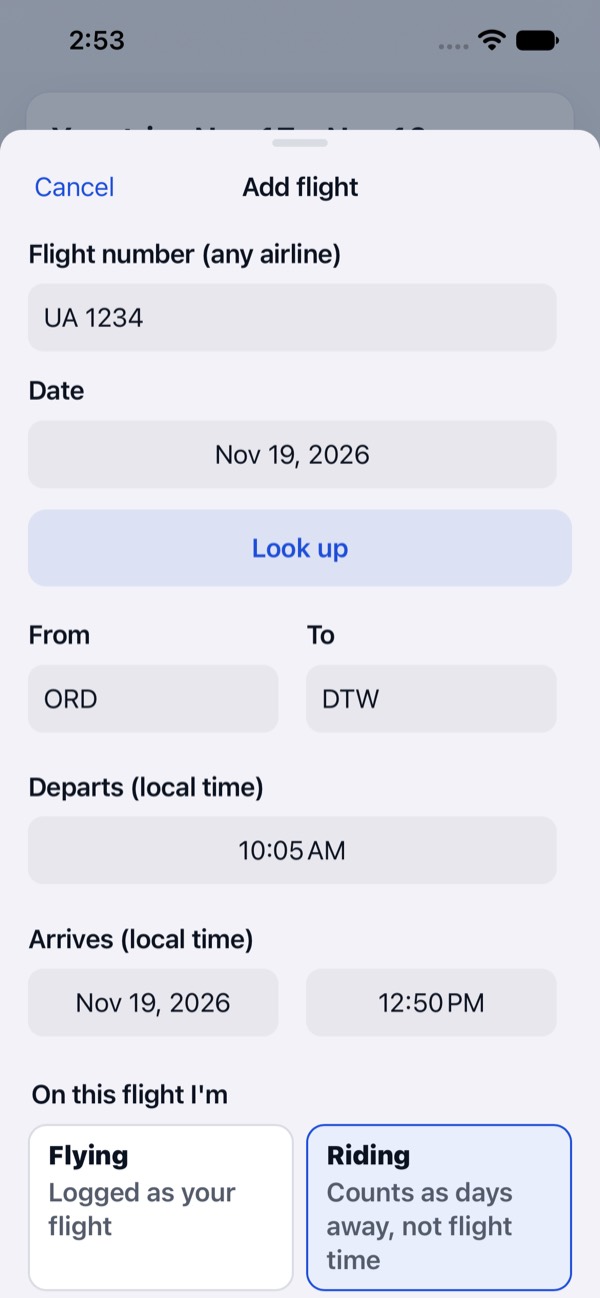
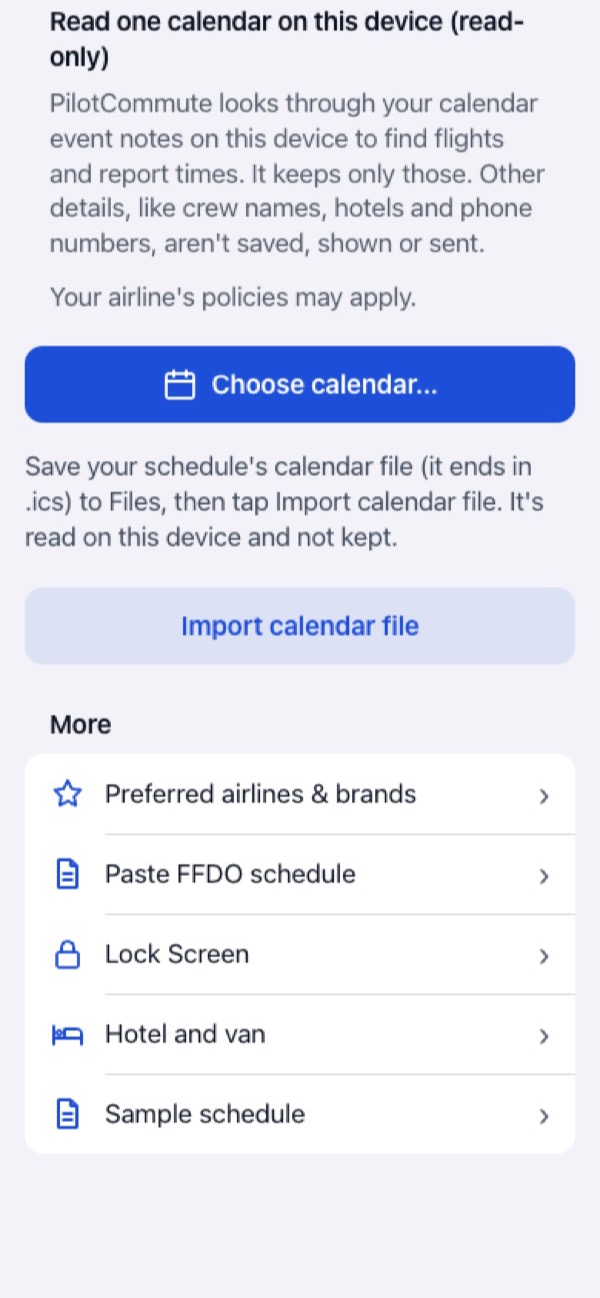
Trips, settings, and alarms are stored on your device. If you turn on family sharing or Crew Connect, what you share is encrypted on your device and kept on Crew Flare’s family server for the people you invite, encrypted so the server cannot read it. To suggest commute flights and show status, the app may send flight numbers, airport codes, and dates to FlightAware through Crew Flare’s relay. In the TestFlight beta, if you turn on takeoff and landing alerts or Where’s My Pilot, the flight number and date of the flight being followed are looked up with FlightAware, and notifications from the family server go through Apple’s push service. You can turn them off. See the Privacy Policy for details.
Which devices does it run on?
iOS only for now. The beta runs through Apple’s TestFlight app on your device.
How much does Crew Flare cost?
The beta is free. Plans and prices will be shown in the app before you subscribe, and family members who join a pilot’s calendar never pay.
When will it be on the App Store?
Soon. A free open beta is available now on Apple's TestFlight: join the beta. Want to hear when it's on the App Store? Email us.